Integrations
The Call Tracking Integrations page holds your organization-wide Google Ads and Meta credentials. With them in place, Call Tracking can upload converted calls to Google Ads and send them to the Meta Conversions API. Open it from Call Tracking → Integrations.
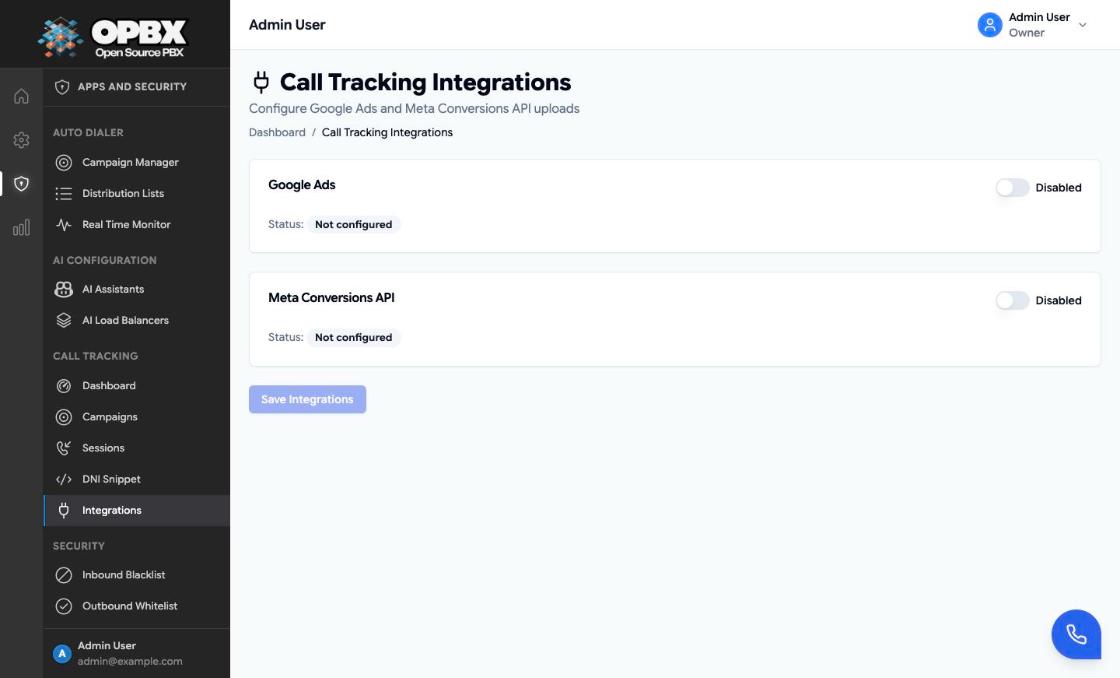
Ad-Platform Integration
Call Tracking can upload converted calls to Google Ads and send them to the Meta Conversions API.
Enable Uploads
- Go to Call Tracking → Integrations
- Configure your organization-wide Google Ads and Meta credentials
- Open each campaign and enable the desired upload toggles
- Define the campaign conversion rules
Both the organization integration and the campaign toggle must be enabled before conversions are uploaded. The campaign toggles and conversion rules are set on the campaign form.
Google Ads
OPBX calls the Google Ads API customers/{customer_id}:uploadCallConversions endpoint for each converted session. Required settings:
- Developer token
- Refresh token
- Customer ID
- Conversion action resource name
Meta Conversions API
OPBX posts a Contact event to the Meta Conversions API for each converted session. The caller phone number is SHA-256 hashed before being sent. Required settings:
- Pixel ID
- Access token
Permissions
| Action | Owner | PBX Admin | PBX User | Reporter |
|---|---|---|---|---|
| Configure ad-platform integrations | Yes | Yes | No | No |
Related API Endpoints
| Method | Endpoint | Purpose |
|---|---|---|
| GET/PUT | /v1/call-tracking-ad-platform-integrations | Manage ad-platform credentials |
See the OPBX REST API reference for full schemas.
Best Practices
- Keep ad-platform credentials in the Integrations page up to date