iOS Developer Guide
Getting Started
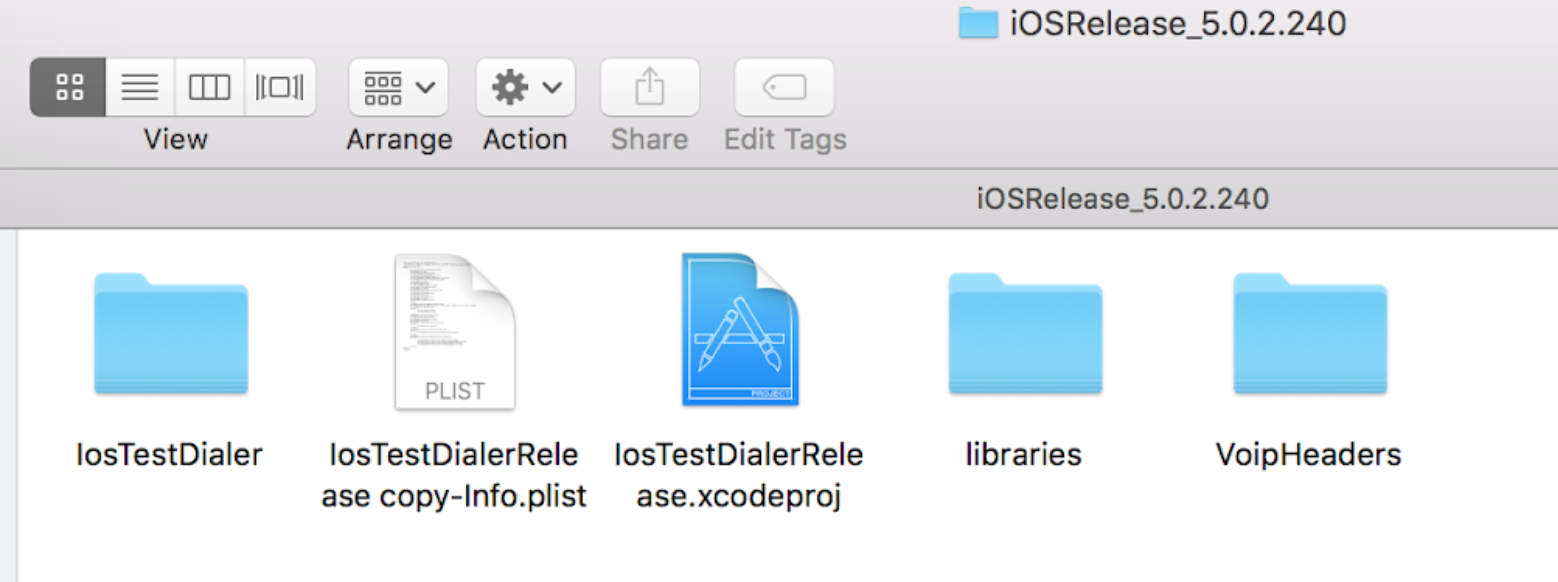
Download the release package and extract it in your projects folder.
Deploying License Key
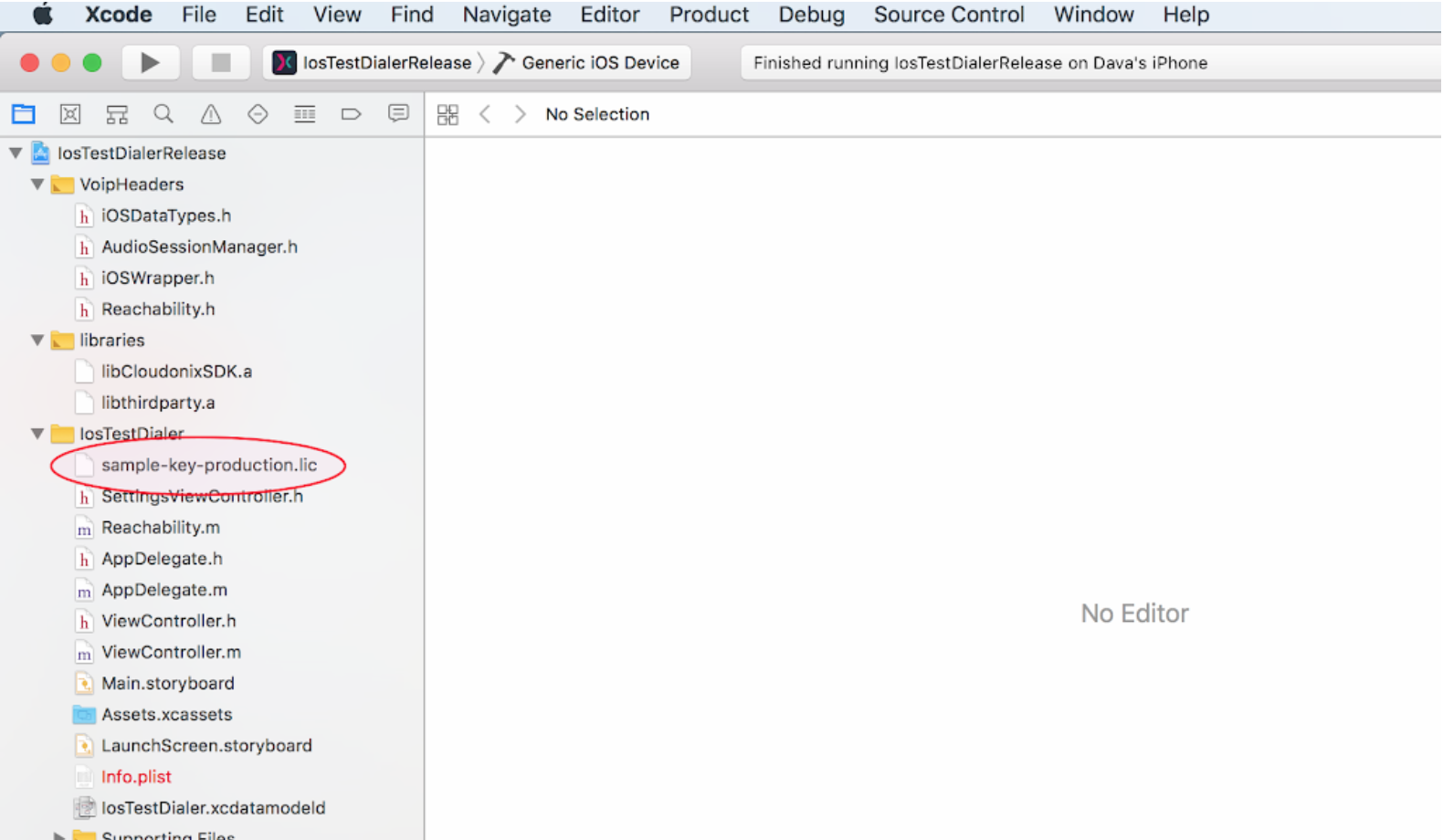
You should have an IosTestDialer folder in the project directory, into which the license key file should be copied, and renamed to cloudonix_license_key.lic
Build and Run Project
Open the sample application project file IosTestDialerRelease.xcodeproj to open the project in Xcode, then use the “Build and Run” command from Xcode: